If your occupational health process starts with a booking form, you’re probably spending more than you need. Too often, teams book occupational health appointments ‘just in case’, before anyone checks what the role really requires. Role mapping flips that order. First, you match each role to its exact compliance needs. Then you book only the checks that role needs. As a result, you cut wasted bookings and ease the admin load. Our health surveillance services match every check to the role, in line with the HSE health surveillance guidance.
Preventing Unnecessary Occupational Health Appointments
Booking occupational health appointments too early has hidden costs. So let’s look at how role mapping changes the order and brings clarity to the process.
Hidden Costs of Over-Booking Occupational Health Appointments
Every unnecessary appointment drains your resources. It means more admin, more cost and more pressure on your team. In most cases, over-booking happens because nobody is clear on what each role needs. So when you book checks without confirming they’re needed, you pay for things you could have avoided. Many workplaces book broadly ‘just in case’ by default. The result is wasted budget and tired admin teams.
Instead of booking generic health checks, tailor occupational health appointments to each role. That way, you protect your budget and also lighten the load on HR. In short, you move from reacting to planning ahead.
Matching Health Surveillance to Each Role
Role mapping is about precision. It links every appointment to a real compliance need, so you only carry out the checks that matter. Because every role carries different health and safety risks, a single approach rarely fits. When you map those risks accurately, you avoid both over-servicing and gaps in compliance. In other words, every appointment has a clear purpose, and you miss or waste fewer checks.
Role mapping also helps you meet every legal and safety requirement without excess. As a result, you save money and still manage your workforce’s health well.
Streamlining With Connected Systems
Connected systems make role mapping and compliance much simpler. For example, they automate scheduling, cut admin and give you live compliance data. Once the system handles the logistics, HR teams can focus on bigger decisions. In practice, that means less time chasing appointments and more time keeping standards high.
These systems also reduce manual scheduling and follow-ups. Everything stays in one place, so health checks happen only when they’re needed. With the right technology, you stay compliant without adding to your team’s workload.
Role Mapping in Action
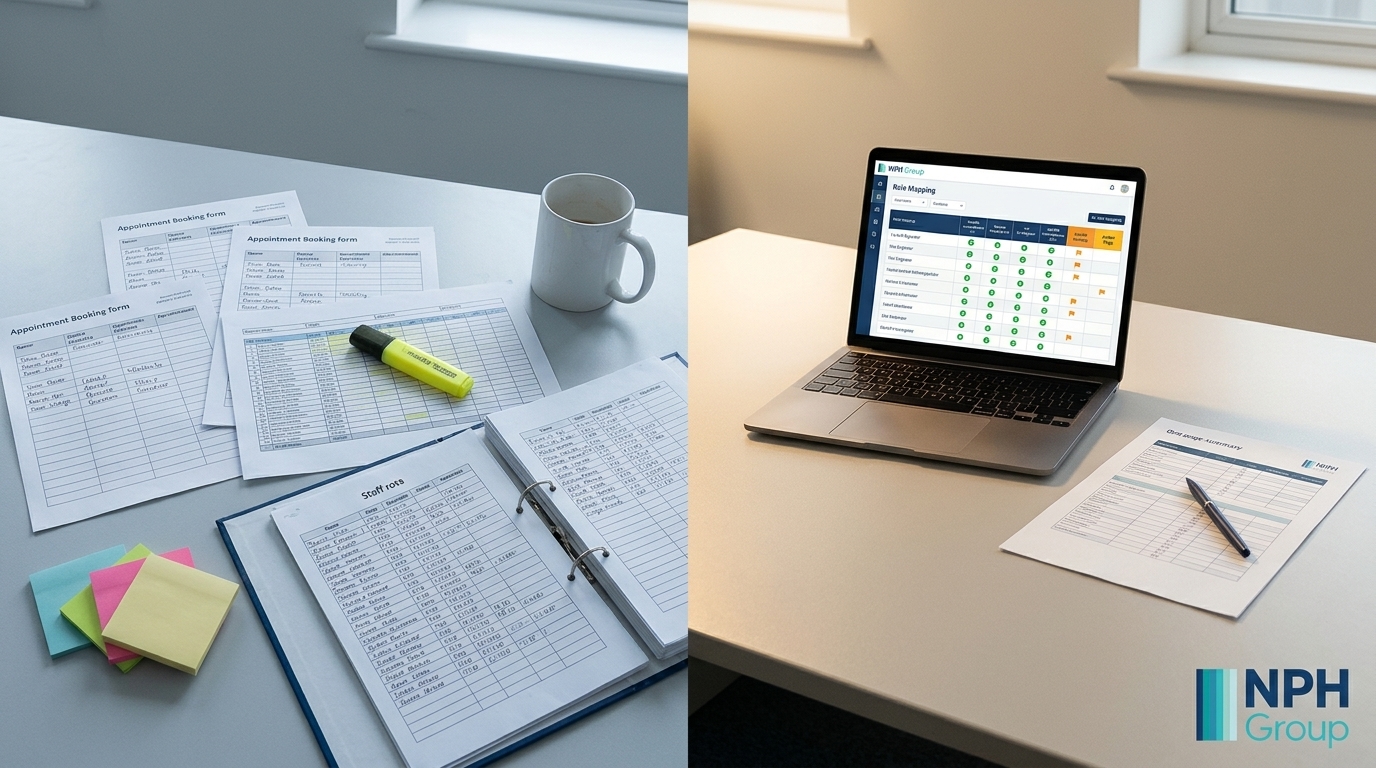
Next, let’s look at how role mapping tells different jobs apart, and what that means in practice.
Occupational Health Appointments: Safety-Critical vs Office Roles
Safety-critical roles need different health checks from office roles. For example, a construction worker may need regular spirometry, while a desk-based employee may not. Because of this, each role gets the right level of health surveillance and no more.
When you focus on what each job actually involves, it becomes clear which tests are truly necessary. That keeps you compliant and puts your resources where they count. Put simply, tailoring checks to the job improves safety without overspending.
Tailoring Occupational Health Appointments by Role
Tailoring checks to each role means employees receive only the checks they need. Therefore, you avoid tests that add no value and use up resources. Overall, your occupational health strategy becomes both effective and efficient.
Tailored checks also help you use resources better. People in high-risk roles get the attention they need. Meanwhile, people in lower-risk roles avoid procedures they don’t need. Together, this improves both compliance and workforce health.
Practical Examples and Benefits
Take an engineering firm where staff face different health risks. With role mapping, only the people who work with hazardous materials have regular health screening. This targeted approach reduces unnecessary occupational health appointments and puts resources where they’re needed most.
The benefits include less admin, lower costs and better compliance. Because firms map roles accurately, they avoid over-servicing and can justify every appointment. In turn, managers and employees gain more confidence in the occupational health process.
Operational Advantage with NPH Group
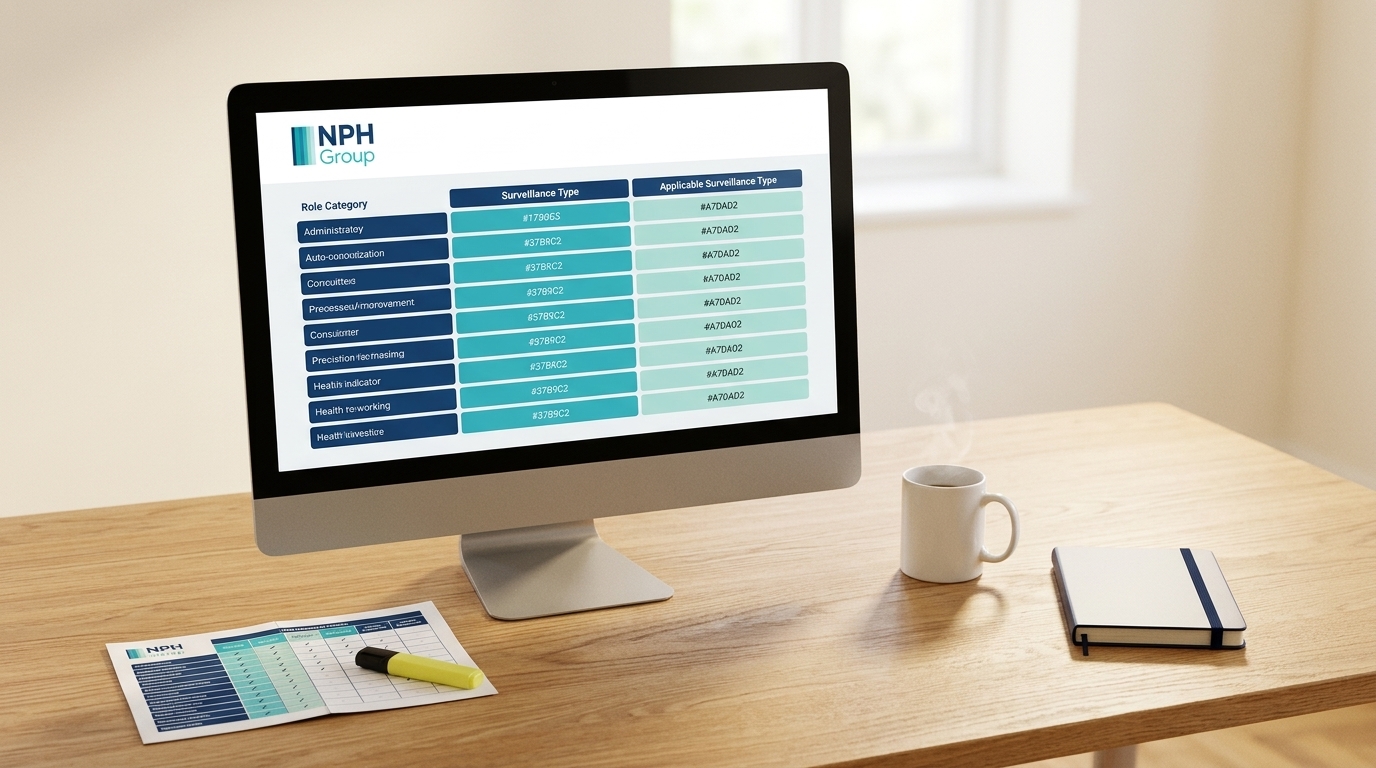
NPH Group’s connected tools give you an edge, because they make occupational health management precise, efficient and compliant.
RoleReady and Precise Testing
RoleReady from NPH Group maps each role to its exact health requirements. That way, you only carry out the tests each role needs, which cuts waste. By linking checks to the role, it helps you stay compliant without excess.
RoleReady also works out the required tests for each role automatically. This saves time and makes sure employees get the right level of care. Simply put, it makes occupational health more efficient and easier to keep compliant.
ClearPath and Secure Information Gathering
ClearPath makes information gathering secure and simple. It handles onboarding and health questionnaires, so you collect accurate data first time. Because there’s less admin, HR teams can spend more time on strategy.
ClearPath also cuts down on follow-ups and rework. It gives you a reliable way to collect the data you need, so you meet compliance requirements efficiently. For HR teams, that means managing occupational health without the usual admin burden.
HealthTrack for Scheduling Occupational Health Appointments
HealthTrack automates scheduling and takes the hassle out of organising occupational health appointments. It manages bookings, reminders and follow-ups, so nothing gets missed. As a result, admin drops and efficiency rises.
With this automation, HR teams spend less time on logistics and more time on planning. HealthTrack keeps everything running smoothly, and compliance stays on track without extra effort. In short, it’s a practical tool that cuts the admin burden.
Frequently Asked Questions
What is role mapping in occupational health?
Role mapping matches each job role to its specific health and compliance requirements. As a result, you only carry out the checks that are needed, which cuts waste and supports compliance.
Which roles need health surveillance?
Health surveillance is a legal requirement when workers are still exposed to a health risk after controls are in place. Common examples include noise, vibration, dust, solvents and substances that can cause asthma or dermatitis. In addition, safety-critical roles such as drivers and forklift operators may need fitness-for-task medicals. A role-by-role risk assessment shows which checks each person needs.
How does role mapping reduce occupational health appointments?
Role mapping stops over-servicing, because you only book the appointments each role needs. It also cuts admin and puts resources where they matter, so you save money and improve compliance.
What systems support role mapping?
RoleReady, ClearPath and HealthTrack all support role mapping. Together, they work out the right tests, gather information securely and automate scheduling. That means less admin and simpler compliance.